

Kelsey Impicciche needs a PC built to handle The Sims, plus more creator essentials
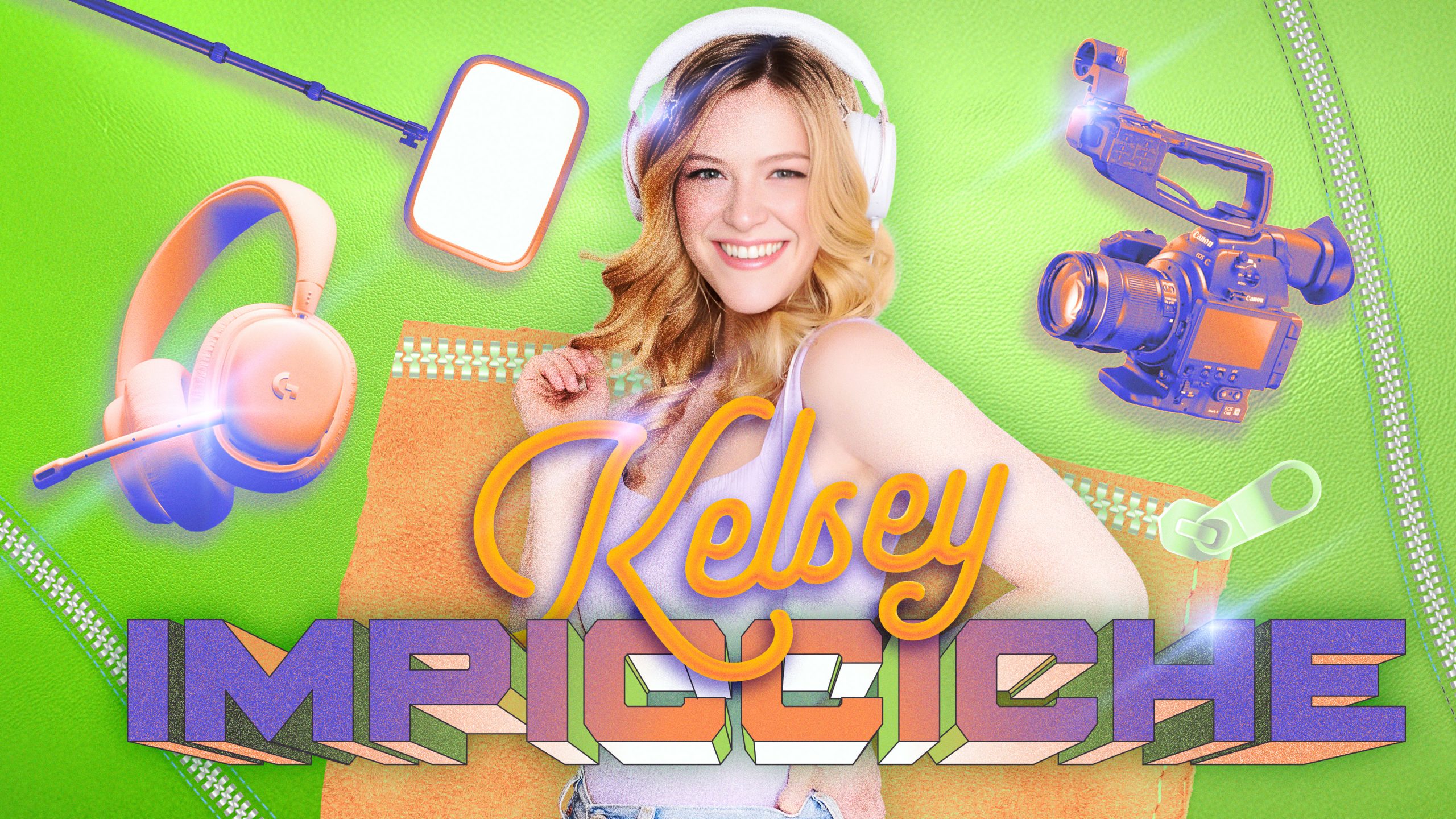
Having spent time both in front of and behind the camera, Kelsey Impicciche has long perfected her content creation set-up.
The gamer and YouTube creator has amassed a following that numbers in the millions, having spent the past 12 years posting videos of herself playing The Sims, Animal Crossing, and more life simulator games to her channel under the handle @kelseydangerous.
Impicciche also worked at BuzzFeed for several years, where her breakout video on BuzzFeed’s Multiplayer channel, “Single Girl Tries The 100 Baby Challenge In The Sims 4,” has garnered 24 million views since it debuted in 2018. This past year, she added “author” to her resume thanks to the 2026 release of her debut novel, The Voice of the Ocean.
Credit: Kelsey Impicciche
Credit: Kelsey Impicciche
While she may have her go-to filming and streaming set-up now, that wasn’t always the case.
“You don’t have to know it perfect at the beginning. You learn by doing,” says Impicciche.
Credit: Zooey Liao/Mashable/Amazon/Kelsey Impicciche
We chatted with Impicciche at BookCon to get a full rundown on her filming essentials, including the tech that can handle the heft of all her gaming needs.
Cyberpower PCs and Alienware monitors
Before cameras, mics, and lights even come into the picture, Impicciche needs a PC.
“I need one that can handle The Sims, because it’s a huge game,” says Impicciche.
She uses two Cyberpower PC towers, which she mentions can be custom built online (her specific models are no longer available.) Also crucial to her streaming endeavors are Elgato capture cards.
For monitors, Impicciche uses two Alienware monitors, one standard and one curved.
Wired headphones
For simultaneously filming and gaming, a good pair of headphones is essential. Impicciche likes both the HyperX Cloud and Logitech G735 headphones.
Canon C100
Whether she’s streaming or filming, Impicciche uses the Canon C100 with a 24-70mm lens.
“This camera connects directly to my PC using another Elgato capture card and it’s HDMI output,” says Impicciche.
The C100 is no longer sold new, but it remains a widely beloved video camera and can be purchased used.
Zoom recorder and Shure SM7B Microphone
Impicciche’s audio set-up includes a Shure SM7B microphone and a Zoom H6 audio recorder.
“My microphone is on a splitter so it feeds into the Zoom H6 for recording sound for video, but it also feeds into my audio mixer so I can use it for streaming.”
Her audio mixer also connects to her streaming PC so she can adjust the sound of her game, personal audio, and music all on the same device. Currently, she uses the TC-Helicon GoXLR but wouldn’t recommend it as the company is no longer supporting updates on the tech.
She also keeps a back-up microphone attached to her camera on the off chance her main microphone runs out of storage.
Elgato lights
Lighting is crucial for all content creators. While Impicciche thinks the best light for filming any type of content is a window with really good natural light, sometimes you have to fake it. For filming for YouTube or streaming, her set-up includes two key lights from Elgato.
Rode mic
Not all of Impicciche’s content requires the full set-up. For filming TikTok content, she gets it done with her iPhone and a Rode mic. The Rode VideoMic Me-C+ plugs directly into her phone so she doesn’t have to worry about connecting wireless mics on the go.
Mashable